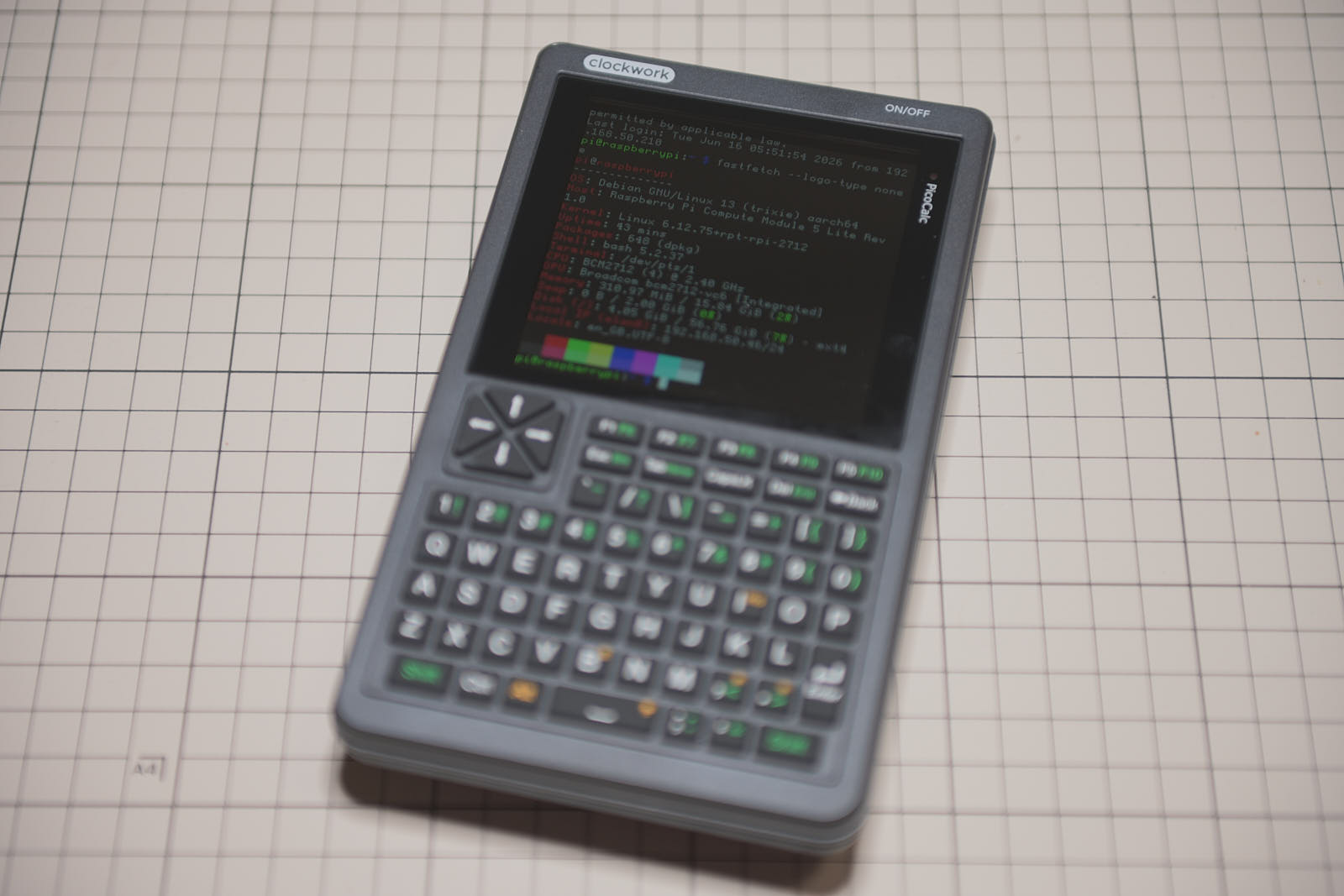
PicoCalc を SSH ターミナルデバイス化する

takeharak
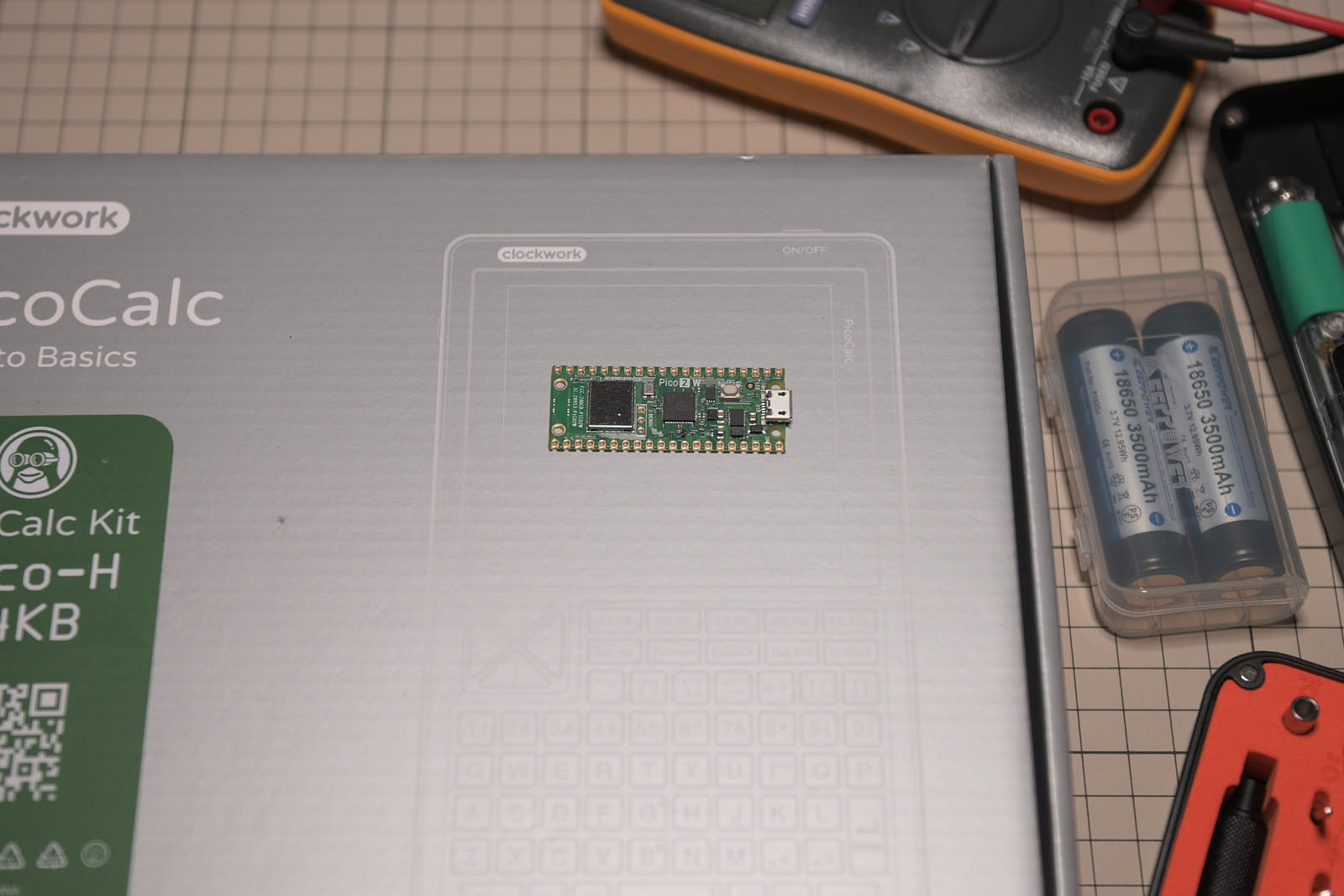
発売当初に購入してから長らく寝かせていた ClockworkPi の PicoCalc を Raspberry Pi Pico 2W にアップグレードして picocalc-ssh-client で簡易 SSH ターミナルデバイス化する
今回の環境
TL;DR
デバイスの準備
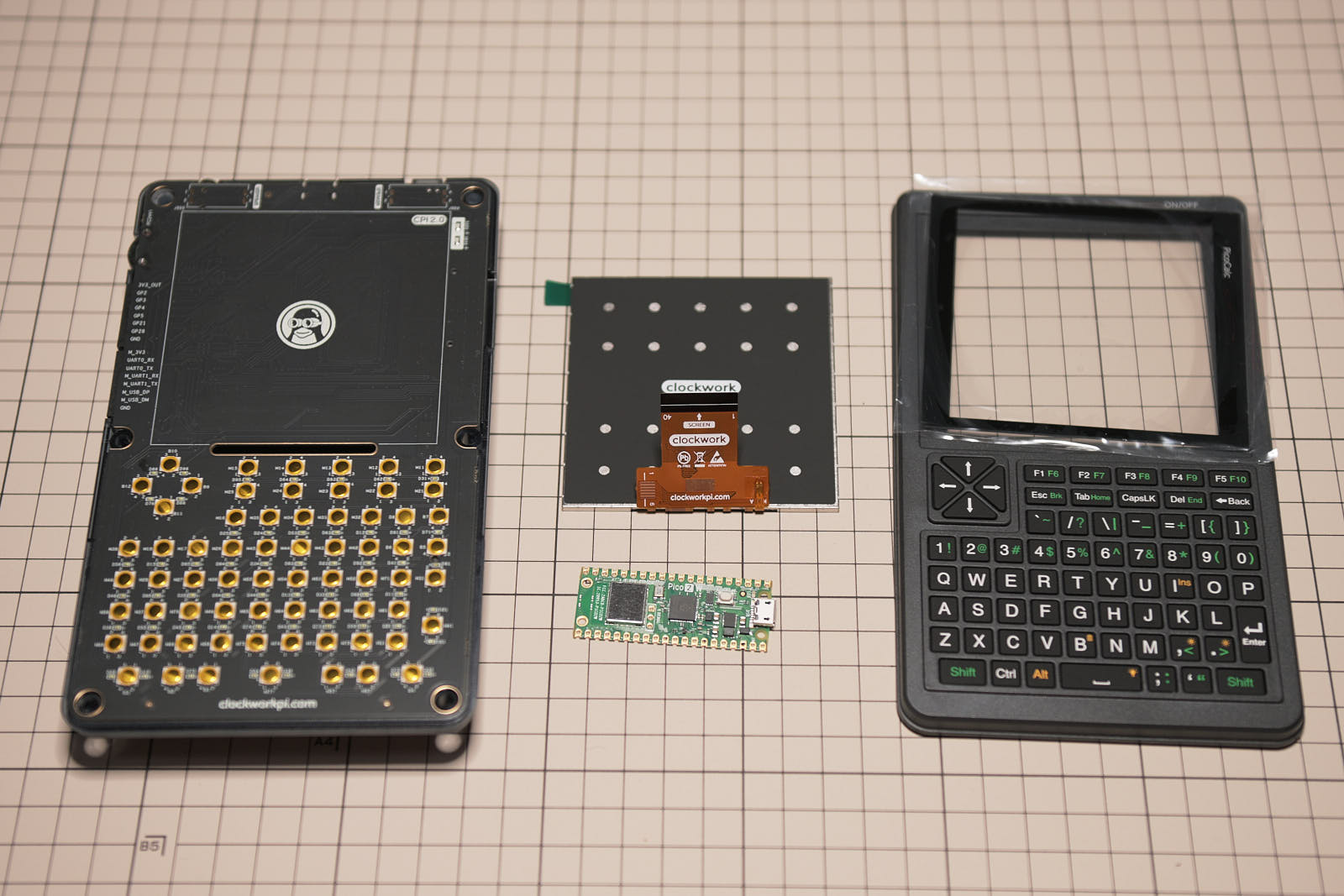
キーボード BIOS を PicoCalc_BIOS_v1.6.bin に更新
brew install stm32flash
==> Auto-updating Homebrew...
✔︎ JSON API packages.arm64_tahoe.jws.json                                                     Downloaded   15.2MB/ 15.2MB
==> Auto-updated Homebrew!
...
✔︎ Bottle stm32flash (0.7)                                                                    Downloaded   28.5KB/ 28.5KB
==> Pouring stm32flash--0.7.arm64_tahoe.bottle.tar.gz
🍺  /opt/homebrew/Cellar/stm32flash/0.7: 8 files, 106KB
==> Running `brew cleanup stm32flash`...
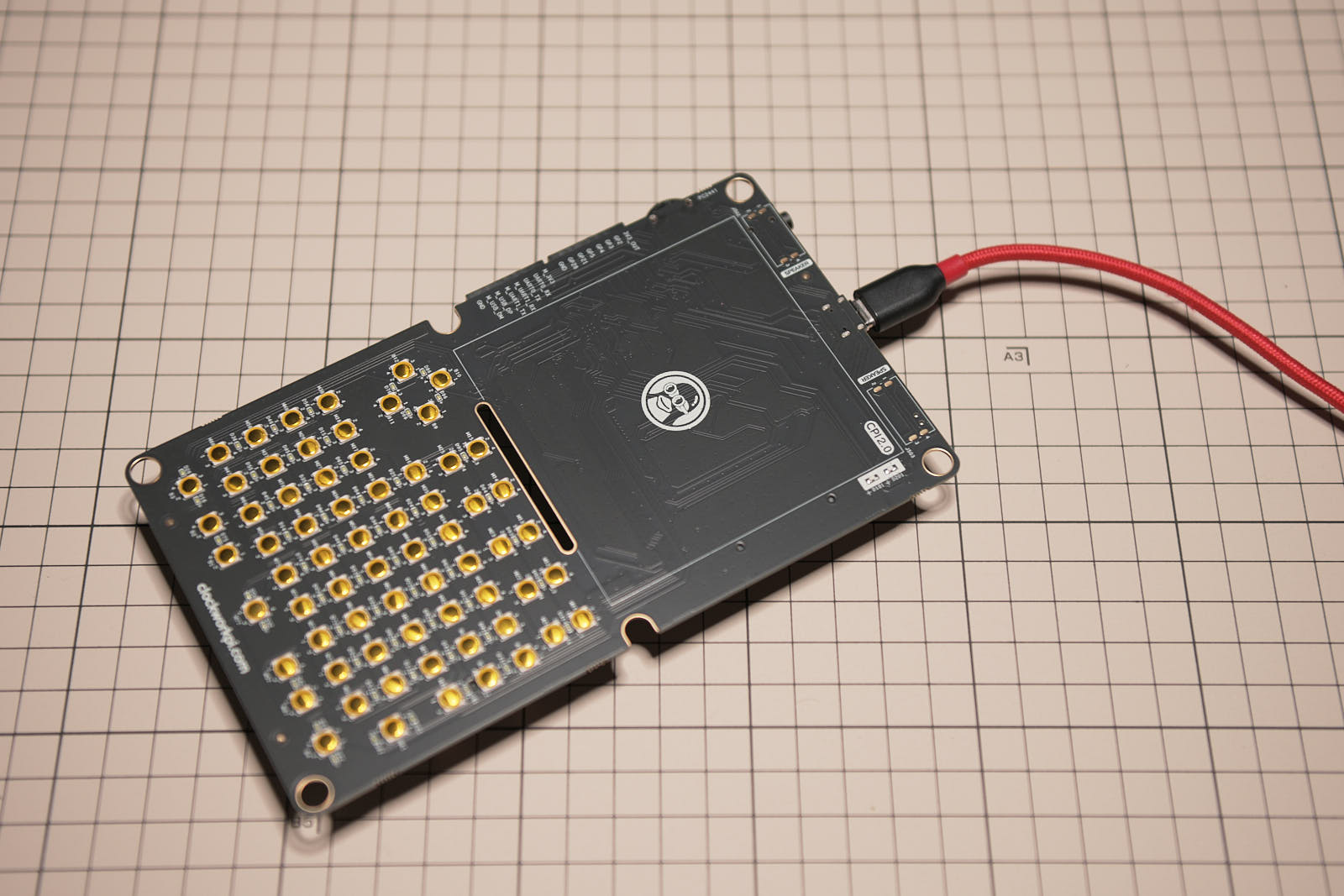
sudo stm32flash -w ~/Downloads/PicoCalc_BIOS_v1.6.bin -v -S 0x08000000 /dev/tty.usbserial
Password:
stm32flash 0.7

http://stm32flash.sourceforge.net/

Using Parser : Raw BINARY
Location     : 0x8000000
Size         : 40596
Interface serial_posix: 57600 8E1
Version      : 0x22
Option 1     : 0x00
Option 2     : 0x00
Device ID    : 0x0410 (STM32F10xxx Medium-density)
- RAM        : Up to 20KiB  (512b reserved by bootloader)
- Flash      : Up to 128KiB (size first sector: 4x1024)
- Option RAM : 16b
- System RAM : 2KiB
Write to memory
Erasing memory
Wrote and verified address 0x08009e94 (100.00%) Done.
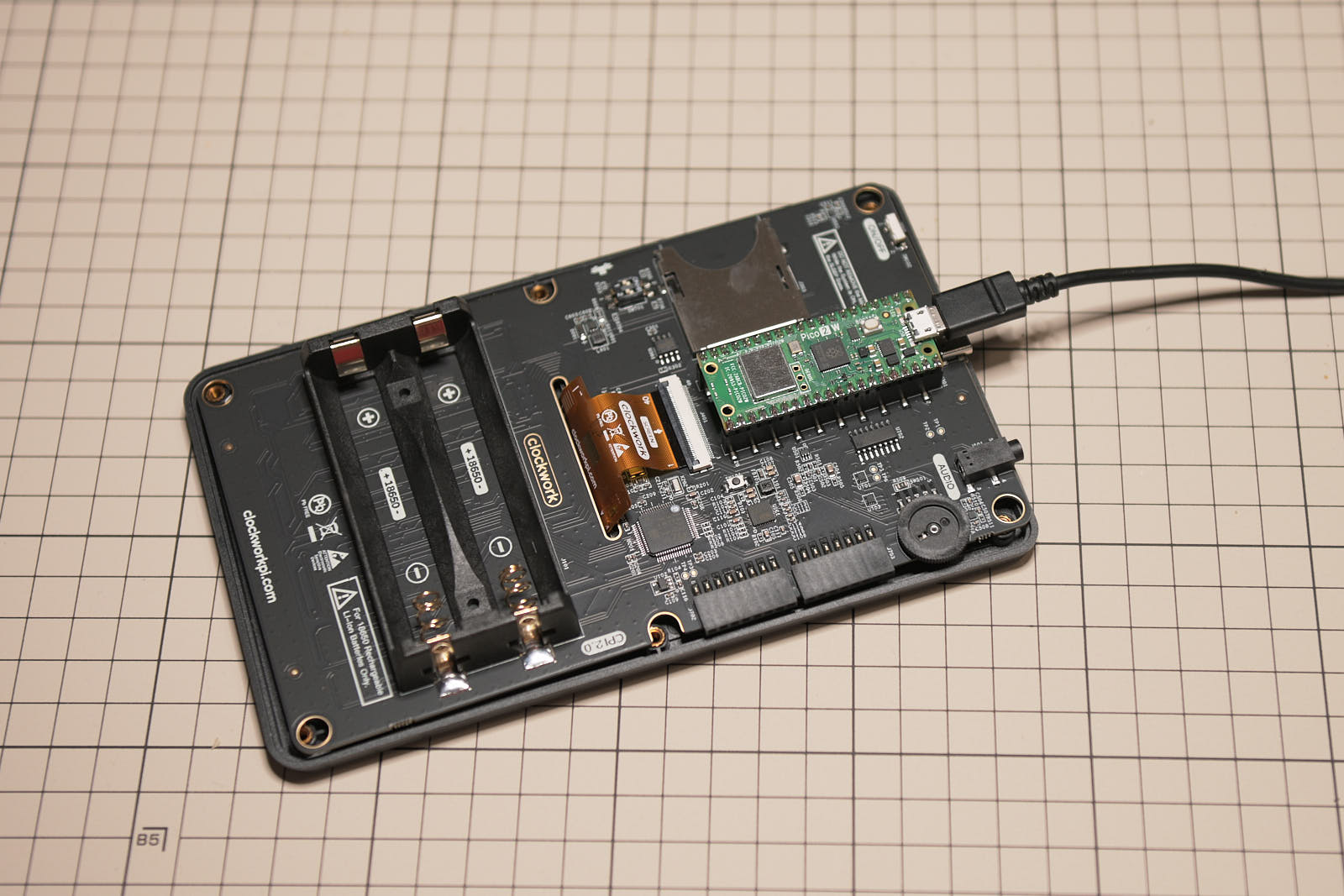
picocalc-ssh-client.v0.2.uf2 ファームウェアの書き込み
WIFI 設定
config format
config set wifi_ssid MyNetwork
OK
config set wifi_pw MyPassword
OK
reboot
SSH 接続
ssh 192.168.1.10
login: myuser
password: