FreeRTOS Modular Over-The-Air

takeharak
AWS IoT と FreeRTOS でモジュラー Over-The-Air アップデートを試してみる
今回の環境
TL;DR
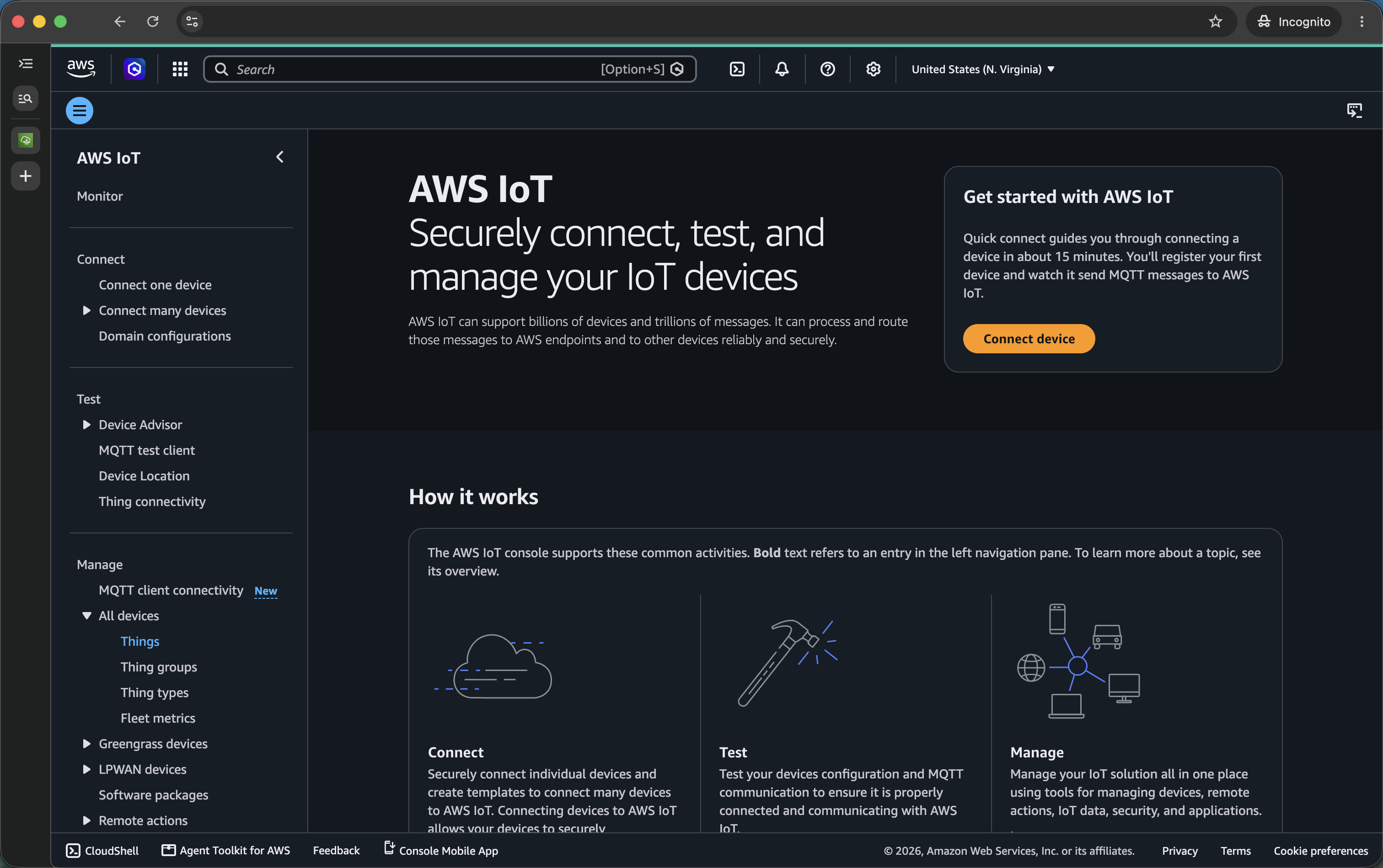
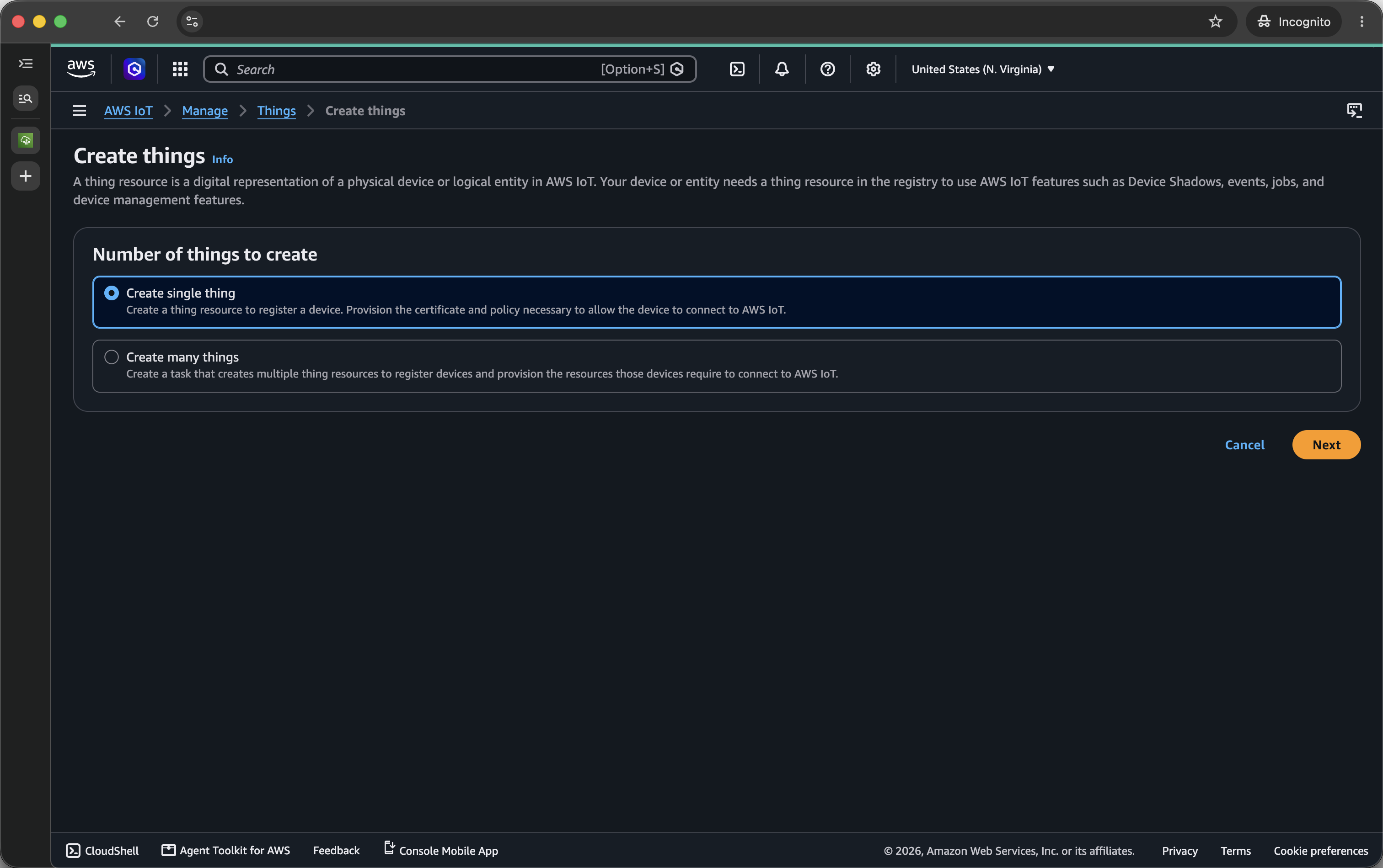
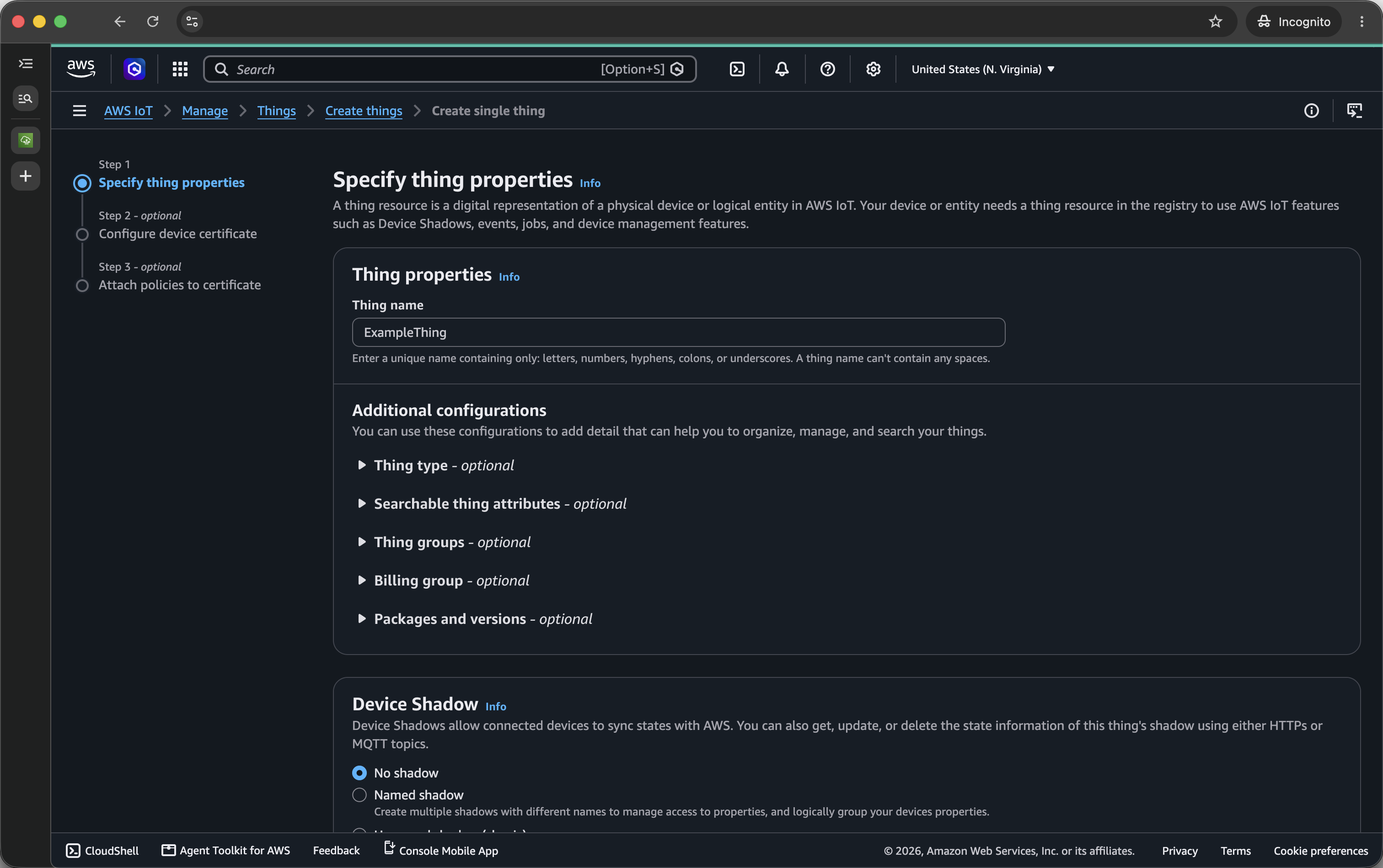
AWS IoT デバイス登録
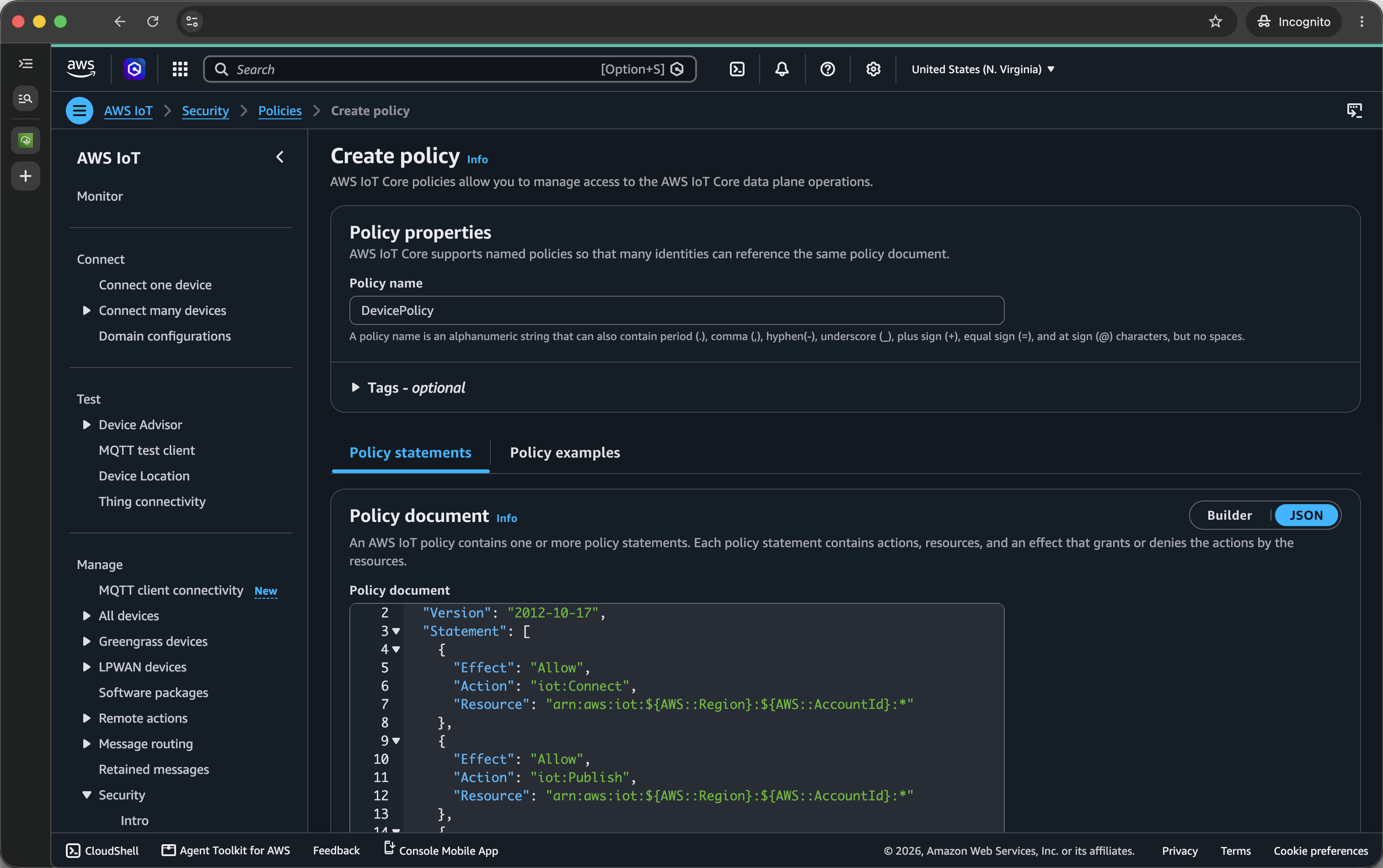
// Policy document
{
  "Version": "2012-10-17",
  "Statement": [
    {
      "Effect": "Allow",
      "Action": "iot:Connect",
      "Resource": "arn:aws:iot:${AWS::Region}:${AWS::AccountId}:*"
    },
    {
      "Effect": "Allow",
      "Action": "iot:Publish",
      "Resource": "arn:aws:iot:${AWS::Region}:${AWS::AccountId}:*"
    },
    {
      "Effect": "Allow",
      "Action": "iot:Subscribe",
      "Resource": "arn:aws:iot:${AWS::Region}:${AWS::AccountId}:*"
    },
    {
      "Effect": "Allow",
      "Action": "iot:Receive",
      "Resource": "arn:aws:iot:${AWS::Region}:${AWS::AccountId}:*"
    }
  ]
}
コード署名証明書の登録
  # cert_config.txt
+ [ req ]
+ prompt             = no
+ distinguished_name = my_dn
+
+ [ my_dn ]
+ commonName = test_signer@amazon.com
+
+ [ my_exts ]
+ keyUsage         = digitalSignature
+ extendedKeyUsage = codeSigning
openssl genpkey -algorithm EC -pkeyopt ec_paramgen_curve:P-256 -pkeyopt ec_param_enc:named_curve -outform PEM -out ecdsasigner.key
openssl req -new -x509 -config cert_config.txt -extensions my_exts -nodes -days 365 -key ecdsasigner.key -out ecdsasigner.crt
aws acm import-certificate --certificate fileb://ecdsasigner.crt --private-key fileb://ecdsasigner.key
{
    "CertificateArn": "arn:aws:acm:${AWS::Region}:${AWS::AccountId}:certificate/xxxxxxxx-xxxx-xxxx-xxxx-xxxxxxxxxxxx"
}
  // signing-profile.json
+ {
+   "platformId": "AmazonFreeRTOS-Default",
+   "signingMaterial": {
+     "certificateArn": "arn:aws:acm:${AWS::Region}:${AWS::AccountId}:certificate/xxxxxxxx-xxxx-xxxx-xxxx-xxxxxxxxxxxx"
+   },
+   "signingParameters": {
+     "certname": "/"
+   }
+ }
aws signer put-signing-profile \
    --profile-name "ExampleThing_ESP32C3" \
    --cli-input-json file://signing-profile.json
{
    "arn": "arn:aws:signer:${AWS::Region}:${AWS::AccountId}:/signing-profiles/ExampleThing_ESP32C3",
    "profileVersion": "xxxxxxxxxx",
    "profileVersionArn": "arn:aws:signer:${AWS::Region}:${AWS::AccountId}:/signing-profiles/ExampleThing_ESP32C3/xxxxxxxxxx"
}
ファームウェアビルド環境の準備
brew tap espressif/eim
==> Tapping espressif/eim
Cloning into '/opt/homebrew/Library/Taps/espressif/homebrew-eim'...
Tapped 1 cask and 1 formula (16 files, 68.6KB).
brew trust espressif/eim
Trusted tap: espressif/eim
brew install eim
==> Would install 1 formula:
eim
==> Fetching downloads for: eim
...
Run 'eim' to install ESP-IDF.
==> Summary
🍺  /opt/homebrew/Cellar/eim/0.17.1: 7 files, 21.5MB, built in 1 second
==> Running `brew cleanup eim`...
zsh completions have been installed to:
  /opt/homebrew/share/zsh/site-functions
eim install -i release-v5.5
2026-07-24 06:16:15 -  6 - 07 - INFO - Found git: /usr/bin/git
2026-07-24 06:16:15 -  6 - 07 - INFO - All prerequisites are satisfied!
2026-07-24 06:16:15 -  6 - 07 - INFO - Running python sanity check
2026-07-24 06:16:15 -  6 - 07 - INFO - Found python3
...
============================================
to activate the environment, run the following command in your terminal:
       source "~/.espressif/tools/activate_idf_release-v5.5.sh"
============================================
2026-07-24 06:23:33 -  6 - 07 - INFO - Wizard result: Ok
2026-07-24 06:23:33 -  6 - 07 - INFO - Successfully installed IDF
2026-07-24 06:23:33 -  6 - 07 - INFO - Now you can start using IDF tools
レファレンス実装の取得
gh repo clone FreeRTOS/iot-reference-esp32 -- --recursive
Cloning into 'iot-reference-esp32'...
remote: Enumerating objects: 3494, done.
remote: Counting objects: 100% (786/786), done.
...
Receiving objects: 100% (2238/2238), 1.66 MiB | 8.02 MiB/s, done.
Resolving deltas: 100% (1142/1142), done.
Submodule path 'components/esp-aws-iot/libraries/corePKCS11/corePKCS11/source/dependency/3rdparty/pkcs11': checked out '478bfc5077901865993e3a193777c1a9f6516cdf'
idf.py set-target esp32c3
Adding "set-target"'s dependency "fullclean" to list of commands with default set of options.
Executing action: fullclean
Build directory '~/workspaces/iot-reference-esp32/build' not found. Nothing to clean.
Executing action: set-target
...
-- Configuring done (8.8s)
-- Generating done (0.5s)
-- Build files have been written to: ~/workspaces/iot-reference-esp32/build
証明書の書き込み
cp ~/Downloads/*-certificate.pem.crt main/certs/client.crt
cp ~/Downloads/*-private.pem.key main/certs/client.key
cp ~/ecdsasigner.crt main/certs/aws_codesign.crt
curl -fsSLo main/certs/root_cert_auth.crt https://www.amazontrust.com/repository/AmazonRootCA1.pem
python managed_components/espressif__esp_secure_cert_mgr/tools/configure_esp_secure_cert.py \
    -p /dev/cu.usbmodem --keep_ds_data_on_host \
    --ca-cert main/certs/root_cert_auth.crt \
    --device-cert main/certs/client.crt \
    --private-key main/certs/client.key \
    --target_chip esp32c3 \
    --secure_cert_type cust_flash \
    --priv_key_algo RSA 2048
=== Flashing ESP Secure Cert Partition ===
Partition file: esp_secure_cert_data/esp_secure_cert.bin
Flash offset: 0xD000
Note: You can skip this step by providing --skip_flash argument
...
Writing at 0x0000d000... (100 %)
Wrote 24576 bytes (3127 compressed) at 0x0000d000 in 0.3 seconds (effective 647.3 kbit/s)...
Hash of data verified.

Leaving...
Hard resetting via RTS pin...
ファームウェアの書き込み
aws iot describe-endpoint --endpoint-type iot:Data-ATS
{
    "endpointAddress": "xxxxxxxxxxxxxx-ats.iot.${AWS::Region}.amazonaws.com"
}
idf.py menuconfig
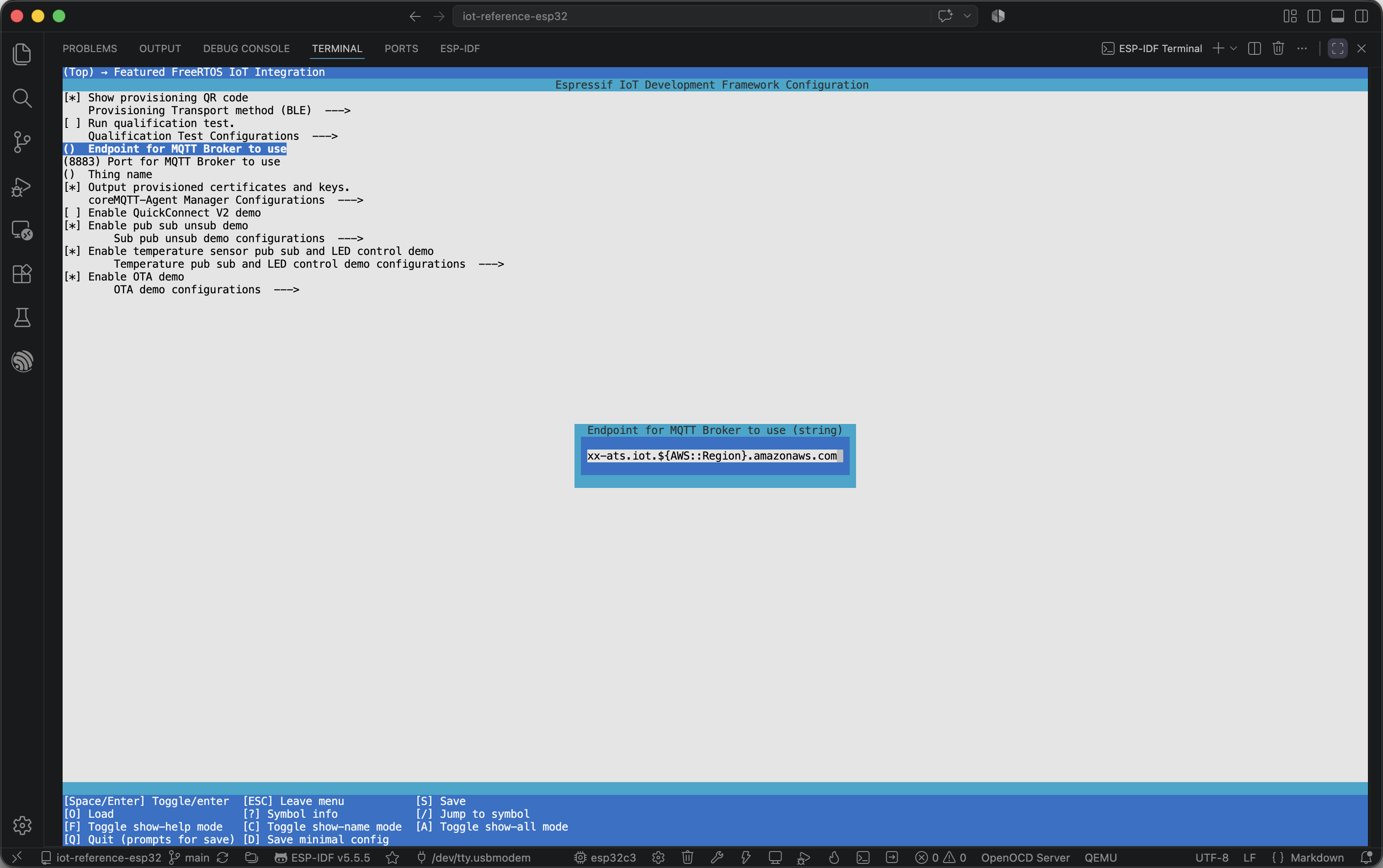
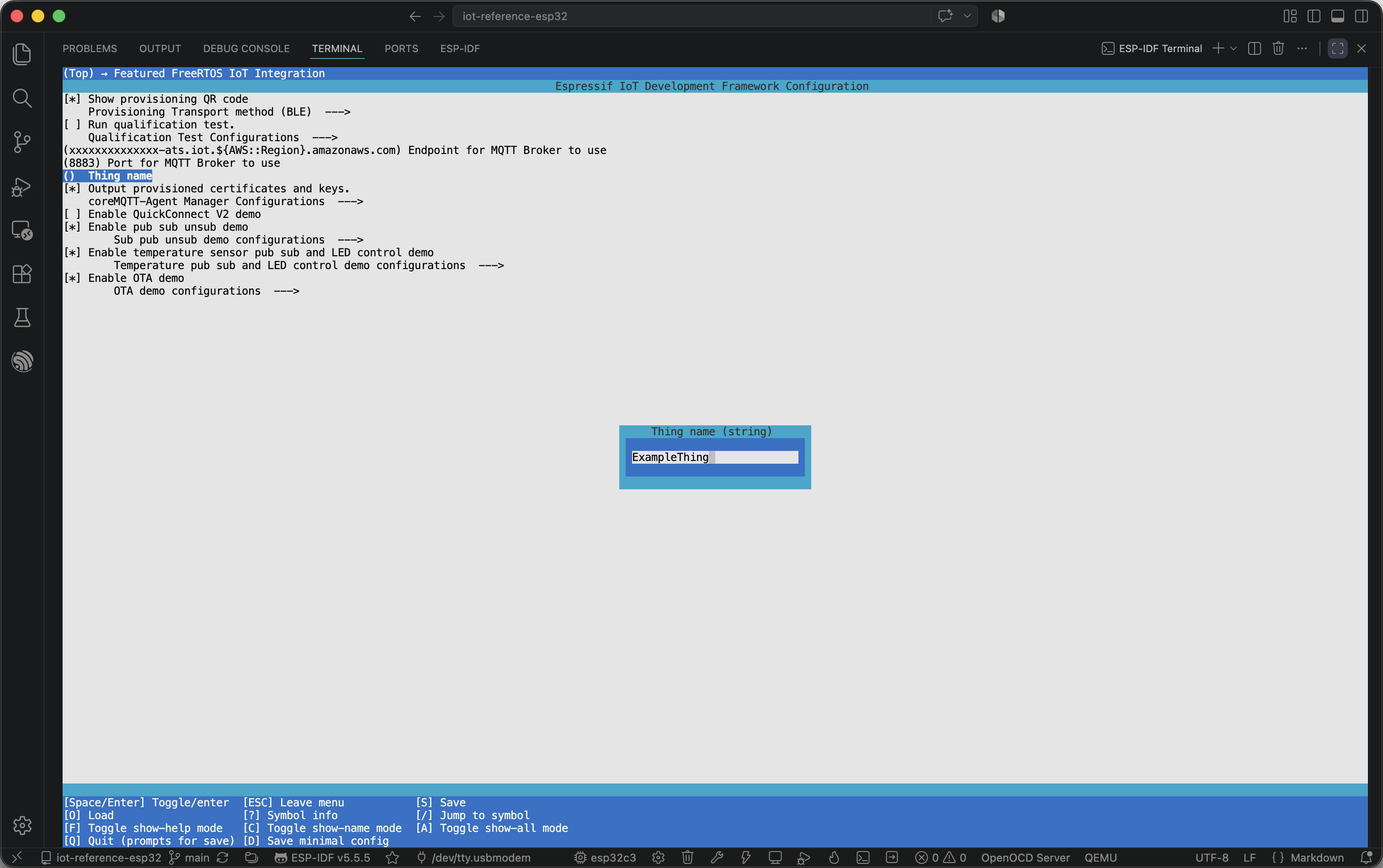
Executing action: menuconfig
Running ninja in directory ~/workspaces/iot-reference-esp32/build
Executing "ninja menuconfig"...
[0/1] cd ~/workspaces/iot-reference-esp32/b... ~/workspaces/iot-reference-esp32/sdkconfig
...
warning: unknown kconfig symbol 'OTA_DATA_OVER_MQTT_PRIMARY' assigned to 'y' in ~/workspaces/iot-reference-esp32/sdkconfig.defaults
warning: unknown kconfig symbol 'OTA_PRIMARY_DATA_PROTOCOL' assigned to '1' in ~/workspaces/iot-reference-esp32/sdkconfig.defaults
idf.py -p /dev/cu.usbmodem flash
Executing action: flash
Running ninja in directory ~/workspaces/iot-reference-esp32/build
Executing "ninja flash"...
[0/1] Re-running CMake...
...
Writing at 0x00019000... (100 %)
Wrote 8192 bytes (31 compressed) at 0x00019000 in 0.1 seconds (effective 586.7 kbit/s)...
Hash of data verified.

Leaving...
Hard resetting via RTS pin...
EPS32-C3 プロビジョニング
idf.py -p /dev/cu.usbmodem monitor
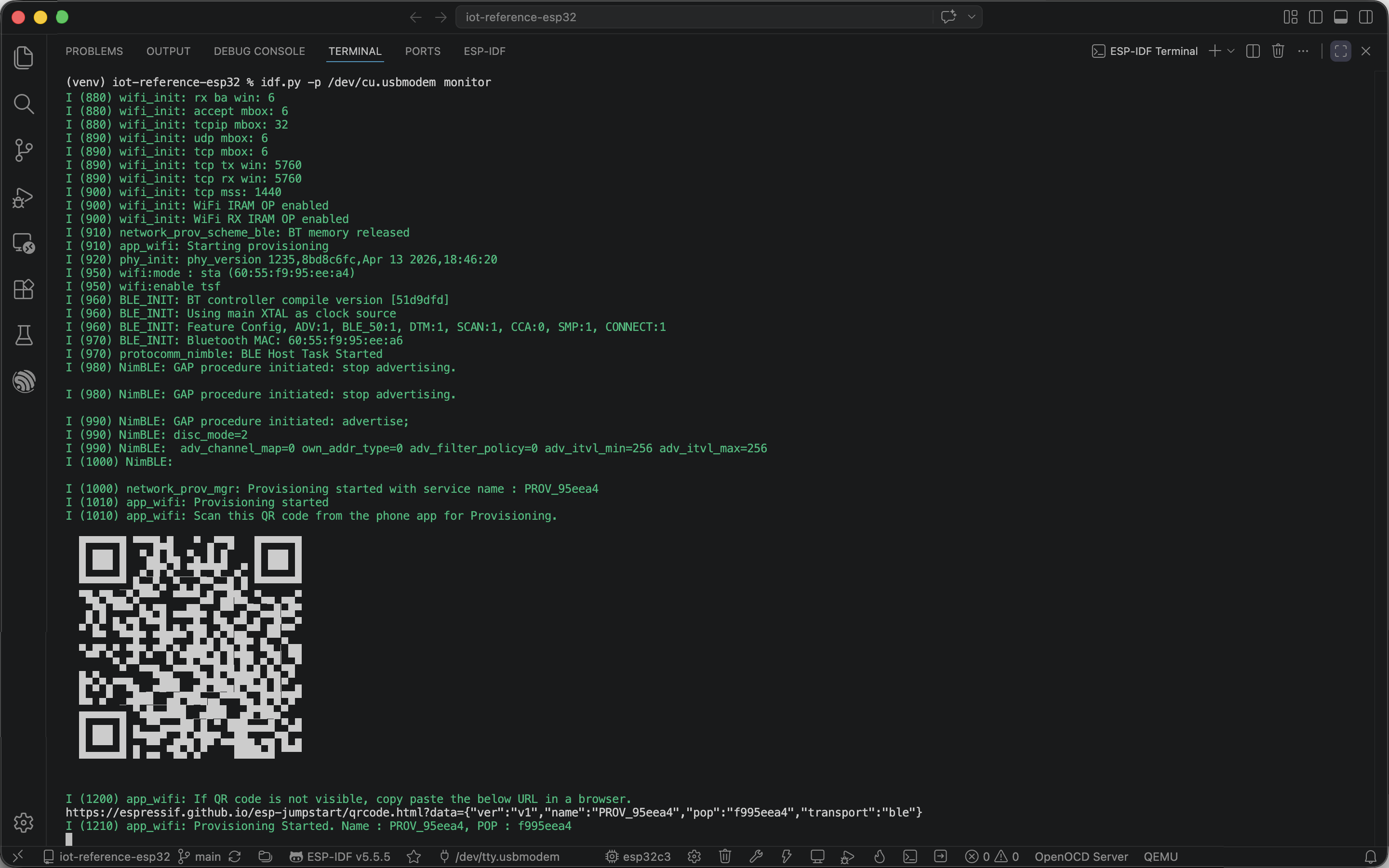
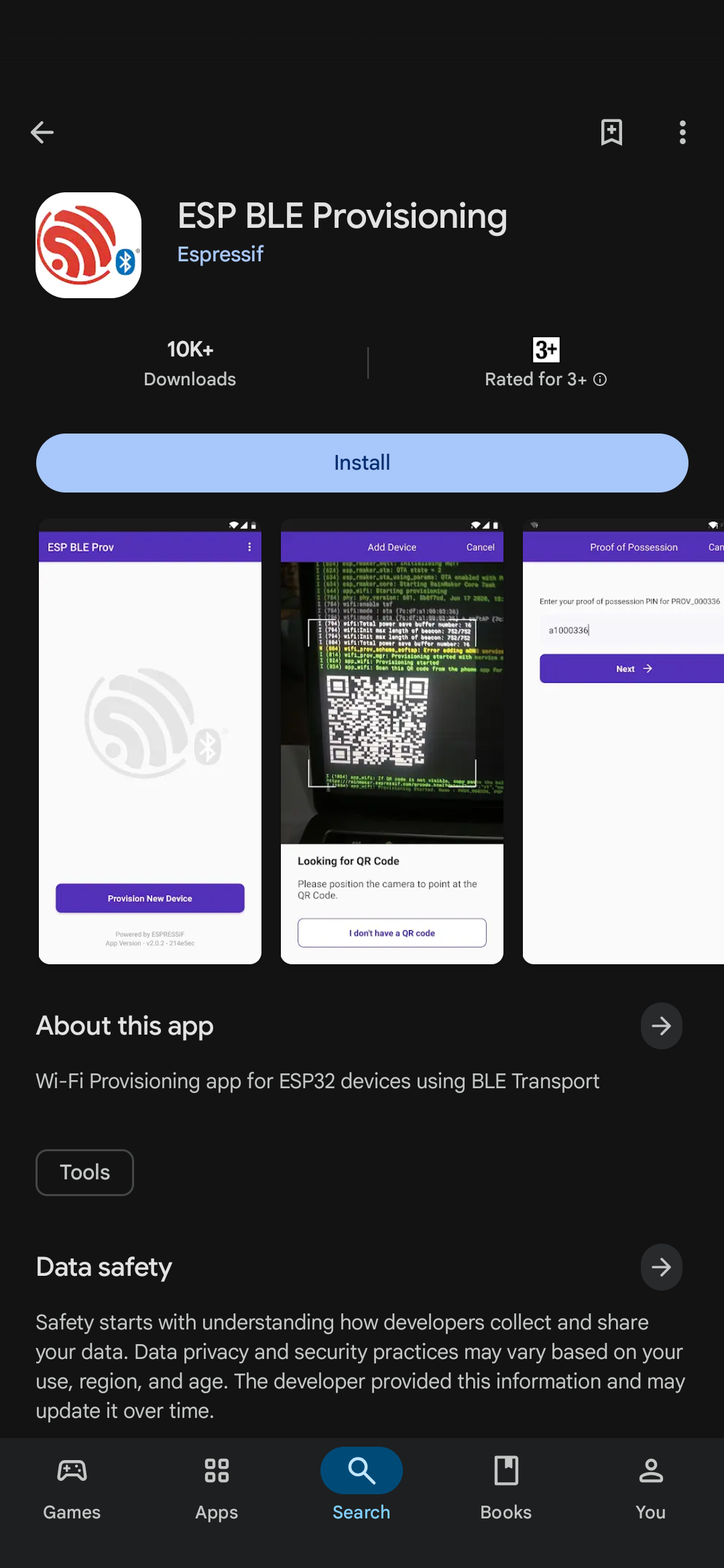
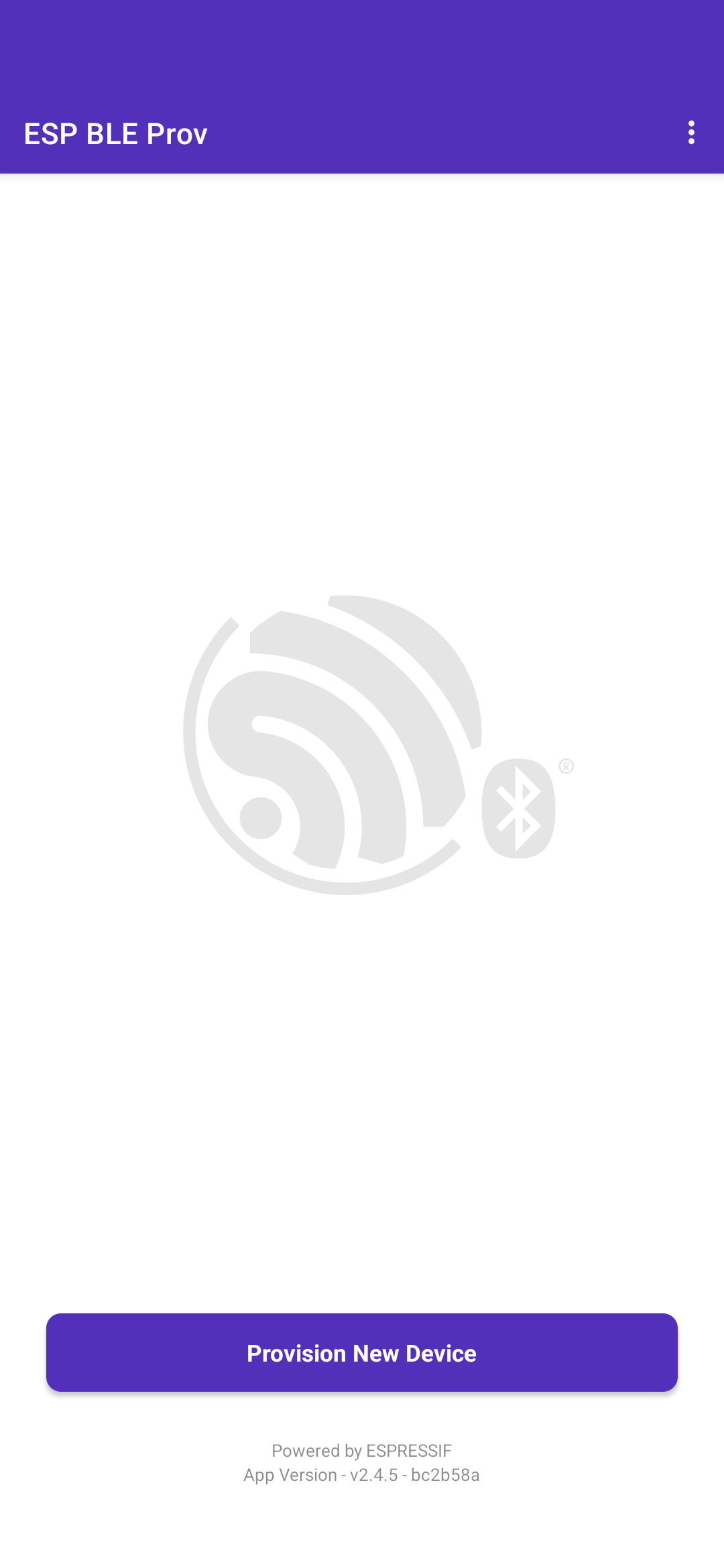
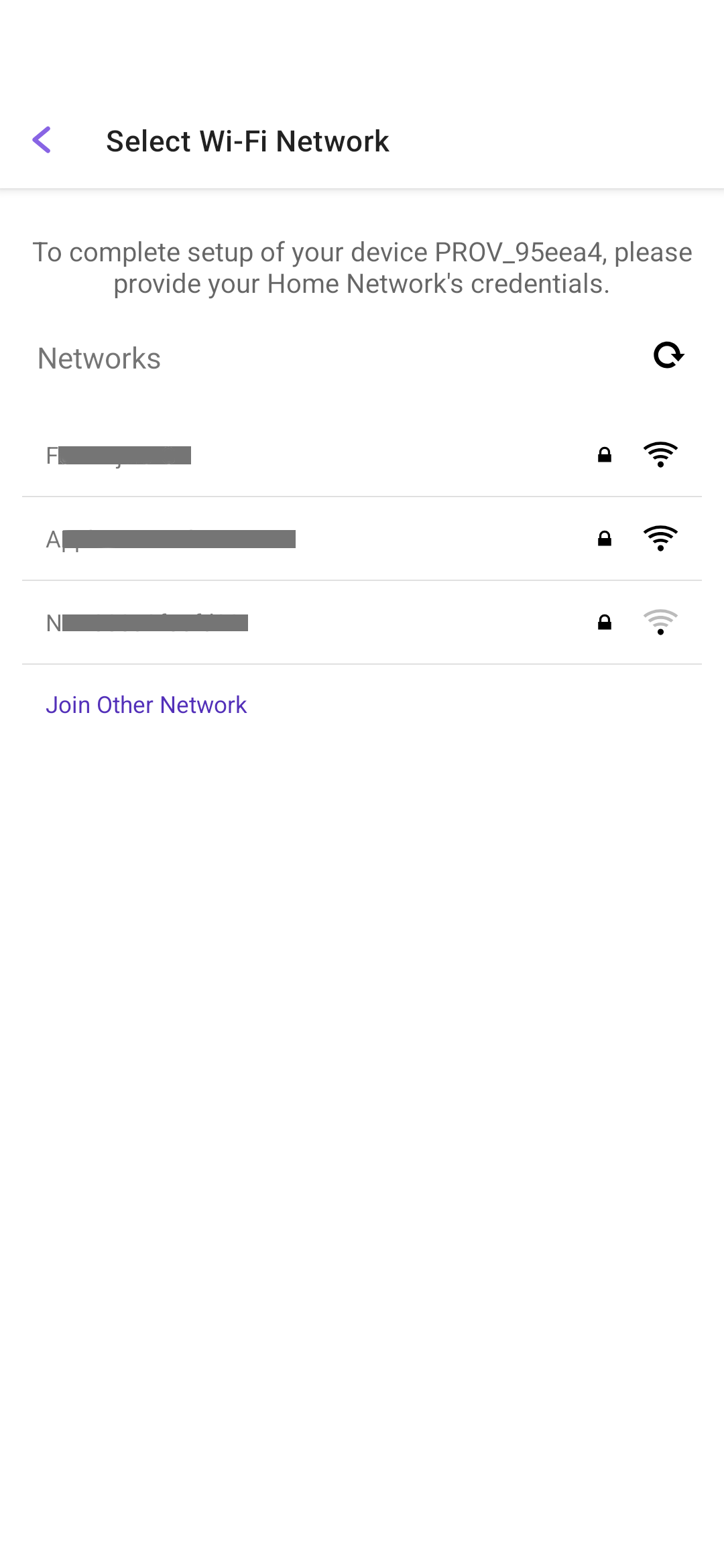
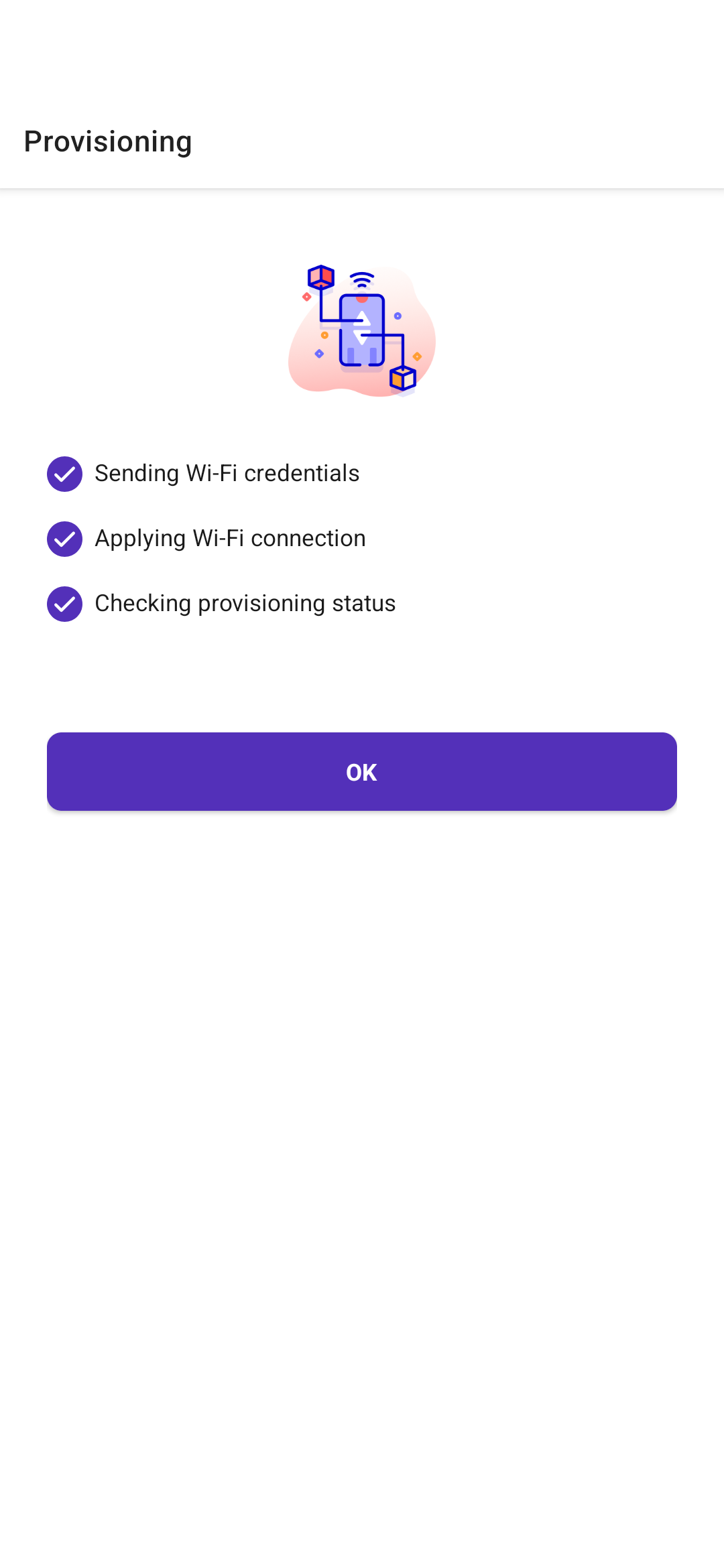
S3 バケットの作成
aws s3 mb s3://afr-ota-example-thing-bucket
make_bucket: afr-ota-example-thing-bucket
aws s3api put-bucket-versioning \
    --bucket afr-ota-example-thing-bucket \
    --versioning-configuration Status=Enabled
aws s3api get-bucket-versioning \
    --bucket afr-ota-example-thing-bucket
{
    "Status": "Enabled"
}
OTA アップデートサービスロールの作成
  // trust-policy.json
+ {
+   "Version": "2012-10-17",
+   "Statement": [
+     {
+       "Effect": "Allow",
+       "Principal": {
+         "Service": "iot.amazonaws.com"
+       },
+       "Action": "sts:AssumeRole"
+     }
+   ]
+ }
aws iam create-role \
    --role-name AmazonFreeRTOSOTAUpdateServiceRole \
    --assume-role-policy-document file://trust-policy.json
{
    "Role": {
        "Path": "/",
        "RoleName": "AmazonFreeRTOSOTAUpdateServiceRole",
        "RoleId": "AROAX46R4F6ZDBXAHI3YB",
        "Arn": "arn:aws:iam::543216644018:role/AmazonFreeRTOSOTAUpdateServiceRole",
        "CreateDate": "2026-07-23T20:51:25+00:00",
        "AssumeRolePolicyDocument": {
            "Version": "2012-10-17",
            "Statement": [
                {
                    "Effect": "Allow",
                    "Principal": {
                        "Service": "iot.amazonaws.com"
                    },
                    "Action": "sts:AssumeRole"
                }
            ]
        }
    }
}
aws iam attach-role-policy \
    --role-name AmazonFreeRTOSOTAUpdateServiceRole \
    --policy-arn arn:aws:iam::aws:policy/service-role/AmazonFreeRTOSOTAUpdate
  // inline-policy.json
+   {
+     "Version":"2012-10-17",
+     "Statement": [
+         {
+             "Effect": "Allow",
+             "Action": [
+                 "iam:GetRole",
+                 "iam:PassRole"
+             ],
+             "Resource": "arn:aws:iam::543216644018:role/AmazonFreeRTOSOTAUpdateServiceRole"
+         }
+     ]
+ }
aws iam put-role-policy \
    --role-name AmazonFreeRTOSOTAUpdateServiceRole \
    --policy-name PassRole \
    --policy-document file://inline-policy.json
OTA イメージの作成
idf.py -p build
Executing action: build
Running ninja in directory ~/workspaces/iot-reference-esp32/build
Executing "ninja build"...
[0/1] Re-running CMake...
...
aws s3 cp build/FeaturedFreeRTOSIoTIntegration.bin s3://afr-ota-example-thing-bucket/unsigned/update.bin
upload: build/FeaturedFreeRTOSIoTIntegration.bin to s3://afr-ota-example-thing-bucket/unsigned/update.bin
OTA アップデートジョブ作成
aws s3api list-object-versions \
    --bucket afr-ota-example-thing-bucket \
    --prefix unsigned/update.bin \
    --query "Versions[?IsLatest].[VersionId]"
[
    [
        "${LatestVersionId}"
    ]
]
  // ota-update.json
+ {
+     "otaUpdateId": "v0-0-1",
+     "targets": [
+         "arn:aws:iot:${AWS::Region}:${AWS::AccountId}:thing/ExampleThing"
+     ],
+     "targetSelection": "SNAPSHOT",
+     "protocols": [
+         "MQTT"
+     ],
+     "files": [
+         {
+             "fileName": "NA",
+             "fileLocation": {
+                 "s3Location": {
+                     "bucket": "afr-ota-example-thing-bucket",
+                     "key": "unsigned/update.bin",
+                     "version": "${LatestVersionId}"
+                 }
+             },
+             "codeSigning": {
+                 "startSigningJobParameter": {
+                     "signingProfileName": "ExampleThing_ESP32C3",
+                     "destination": {
+                         "s3Destination": {
+                             "bucket": "afr-ota-example-thing-bucket",
+                             "prefix": "signed/"
+                         }
+                     }
+                 }
+             }
+         }
+     ],
+     "roleArn": "arn:aws:iam::${AWS::AccountId}:role/AmazonFreeRTOSOTAUpdateServiceRole"
+ }
aws iot create-ota-update --cli-input-json file://ota-update.json
{
    "otaUpdateId": "v0-0-1",
    "otaUpdateArn": "arn:aws:iot:us-east-1:543216644018:otaupdate/v0-0-1",
    "otaUpdateStatus": "CREATE_PENDING"
}

```sh[class='command-line'][data-user='takeharak'][data-host='macbook-pro'][data-filter-continuation='(con)'][data-filter-output='(out)']
idf.py -p /dev/cu.usbmodem monitor
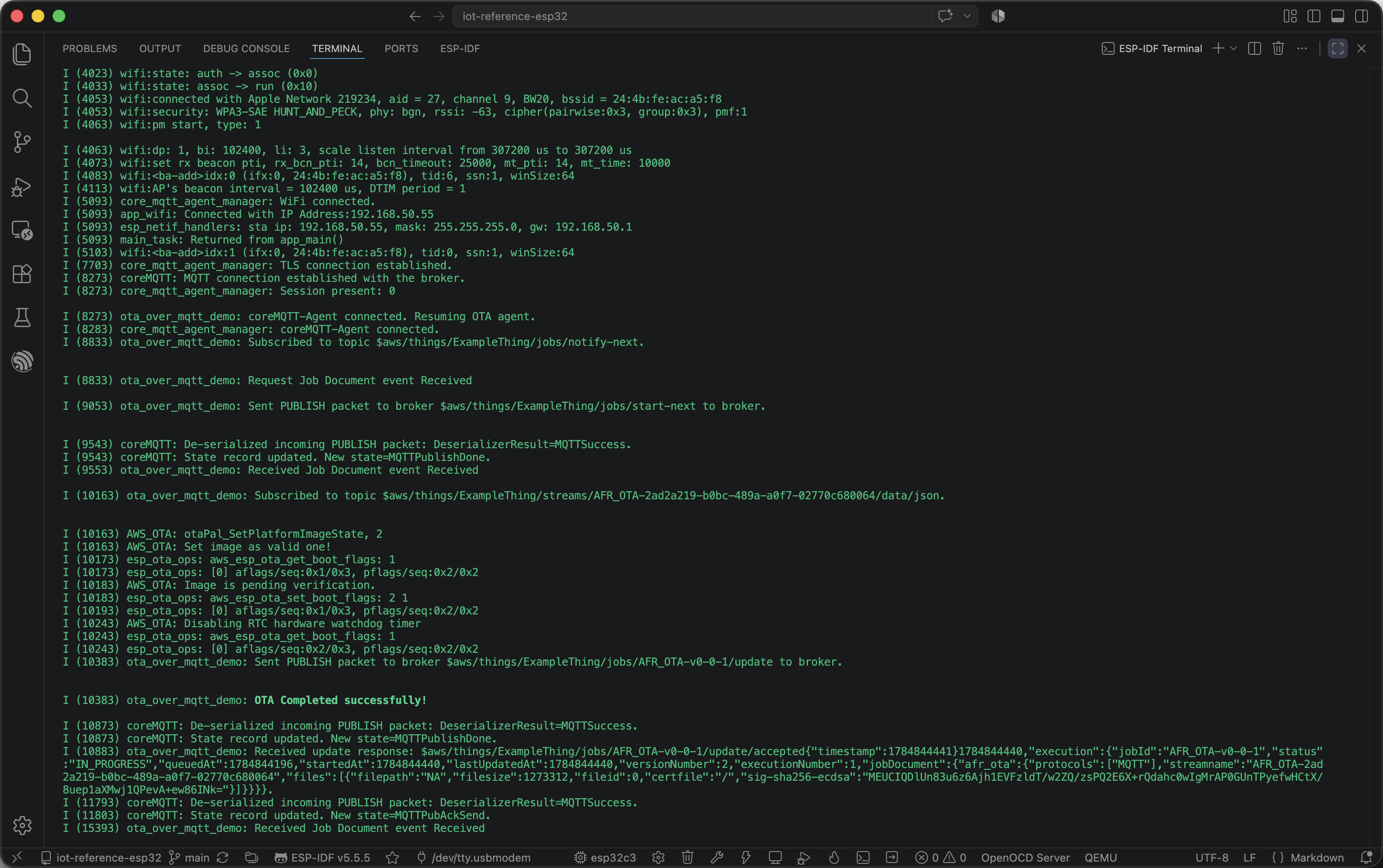
OTA アップデート